RSS & Atom monitoring
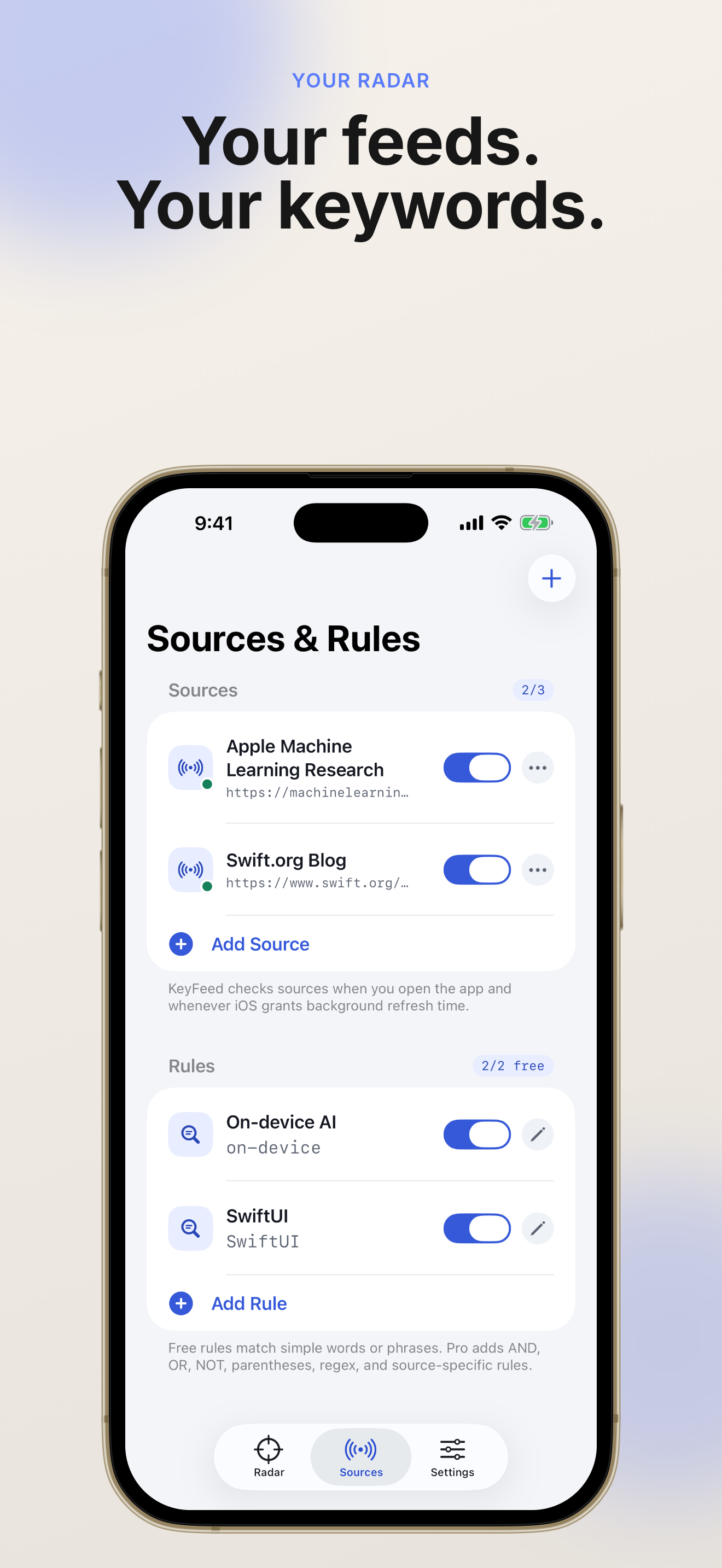
Add the RSS and Atom feeds you already trust. KeyFeed validates sources, tracks feed health, and refreshes on open or in the background.
KeyFeed: RSS Keyword Radar
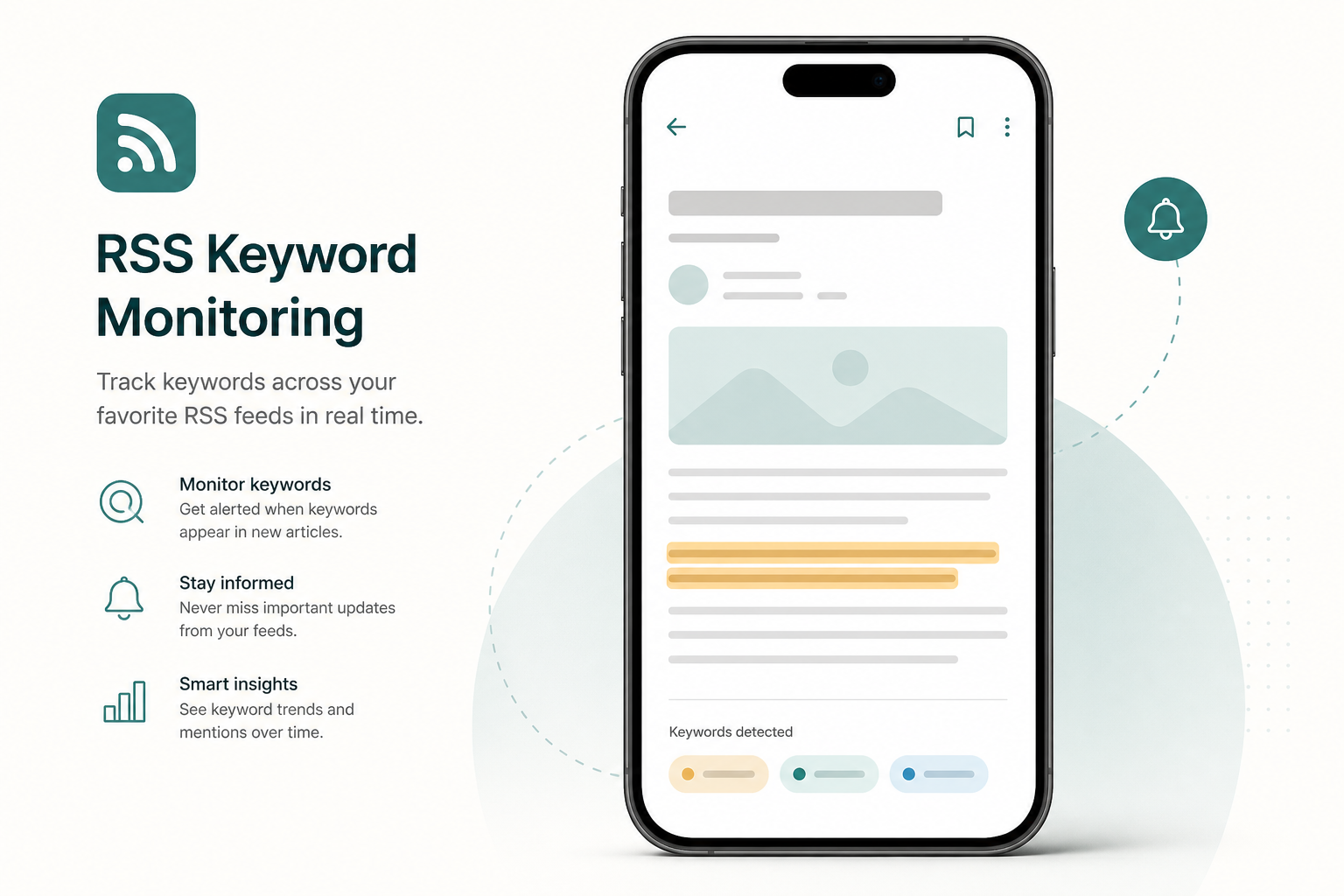
Stop scrolling every article just to catch one important topic. KeyFeed: RSS Keyword Radar monitors your trusted RSS and Atom sources, extracts the surrounding sentence when a keyword hits, and stays quiet until it matters.
Local-first monitoring · No unread badges · Context-rich keyword matches
Browse real KeyFeed: RSS Keyword Radar screens—keyword hits with context, quiet alerts, feed health, and widgets—without signing up for another noisy inbox.
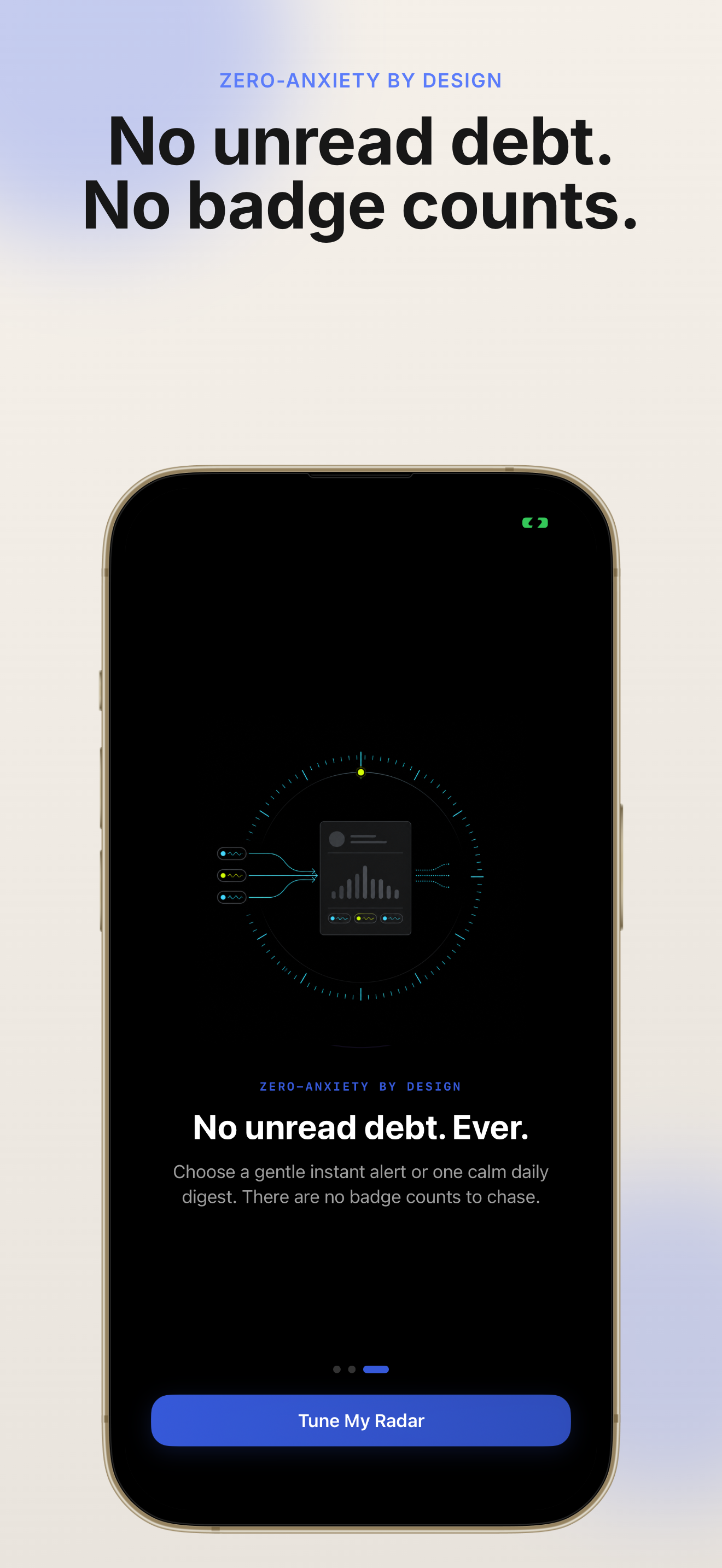
KeyFeed: RSS Keyword Radar is built for people who care about topics, not unread piles. Every match shows why it mattered before you open the article.
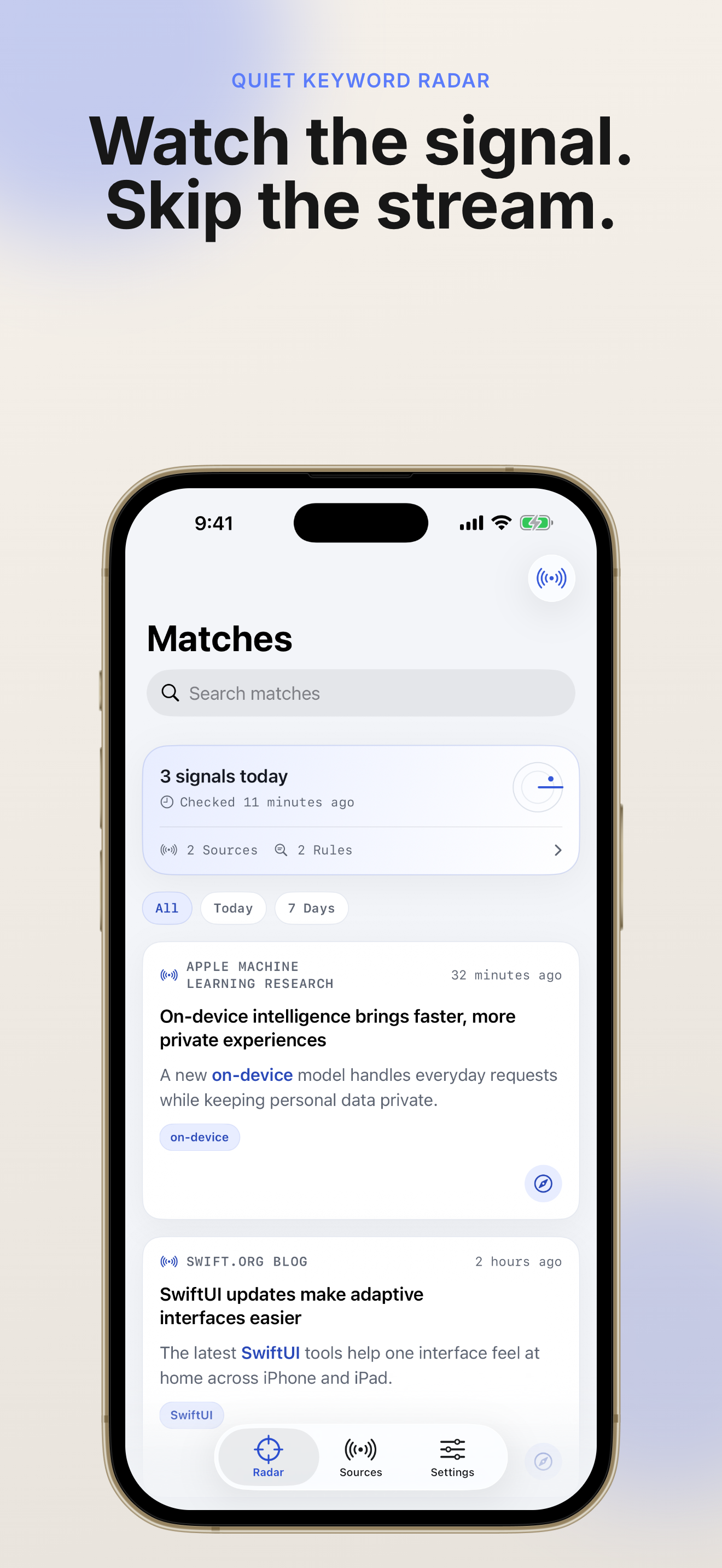
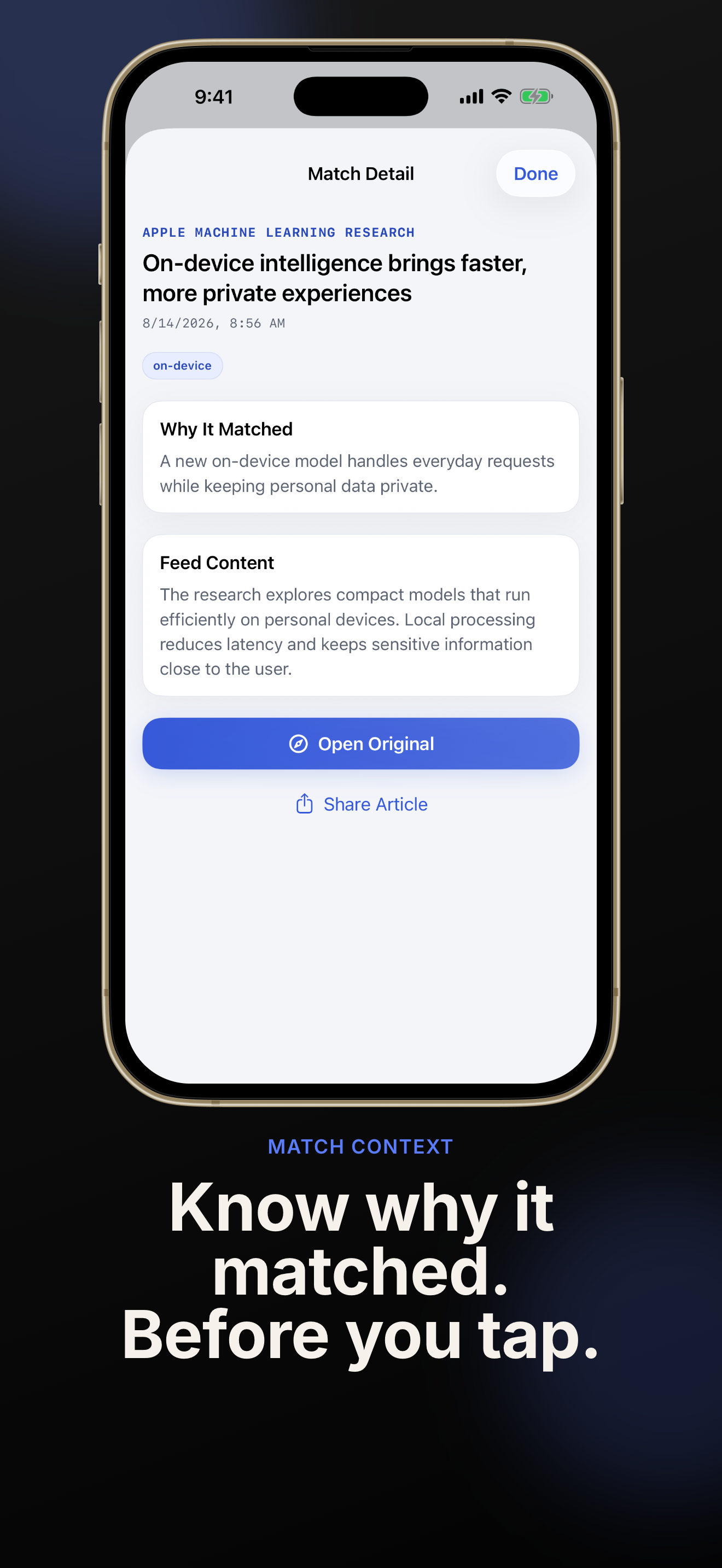
When a rule hits, KeyFeed: RSS Keyword Radar shows the full surrounding sentence and highlights the matched terms. You can decide whether the story is worth opening—without wading through the entire feed first.
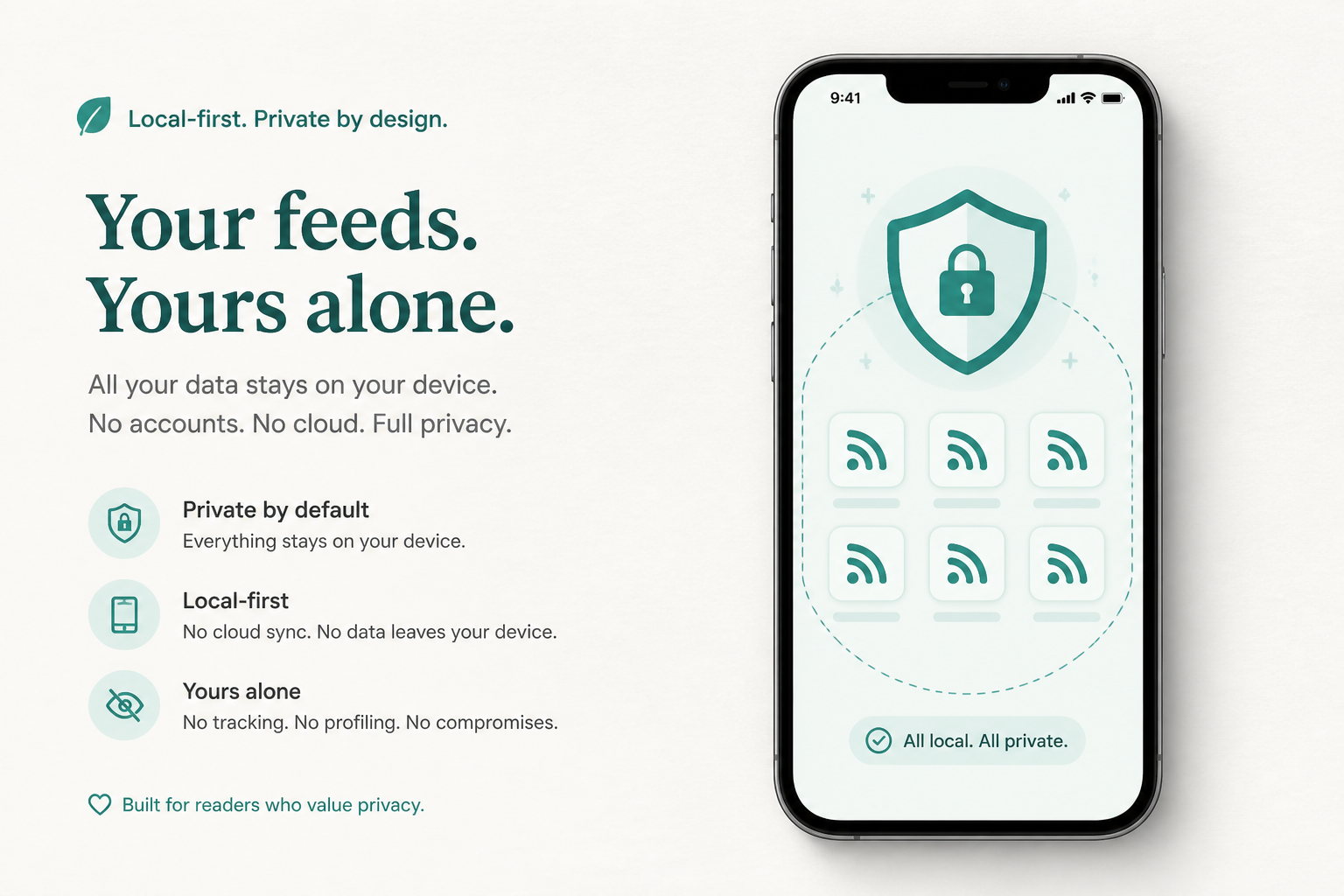
Feeds, rules, and match history stay on your iPhone or iPad by default. KeyFeed: RSS Keyword Radar refreshes when you open the app and whenever iOS grants background refresh time—no account required.
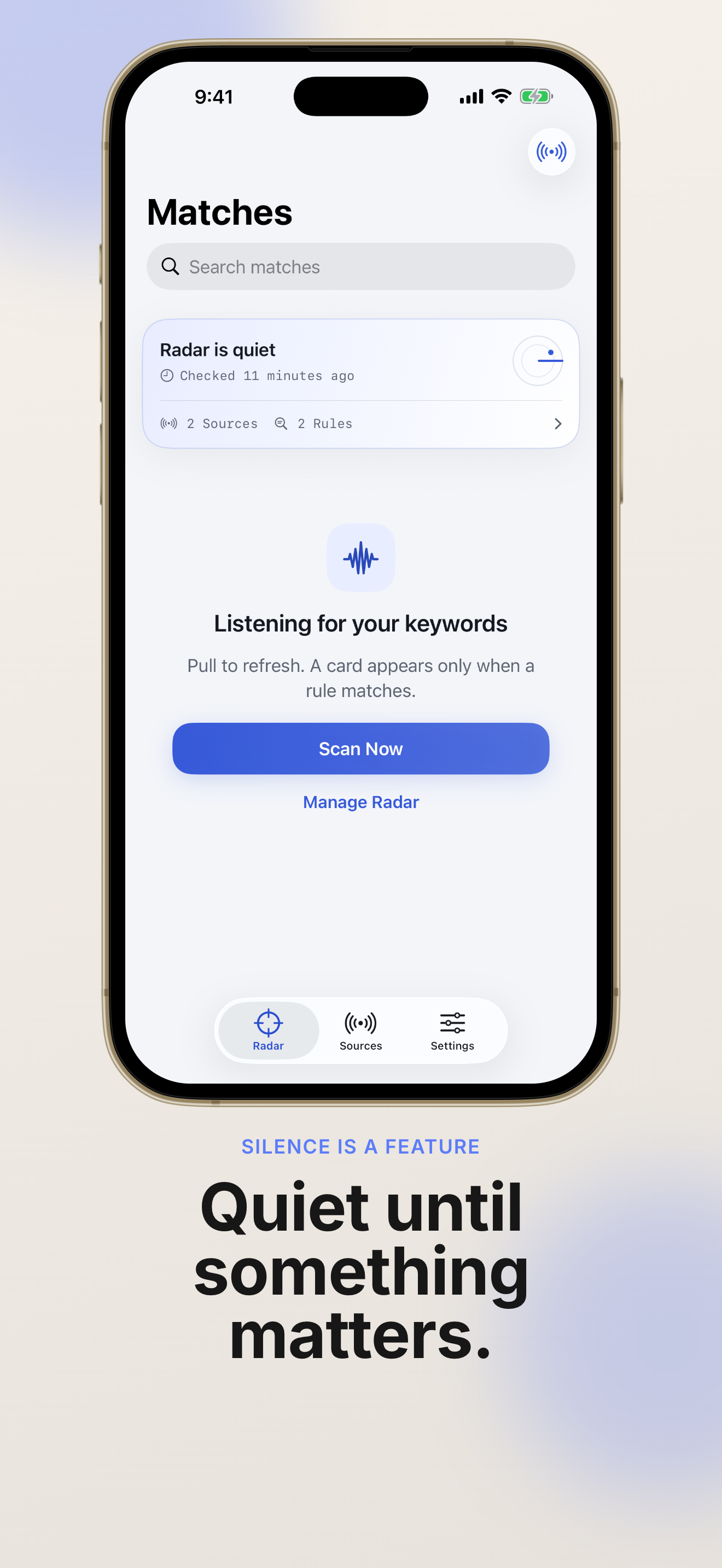
KeyFeed: RSS Keyword Radar sends a local notification only when your keywords appear. There are no unread counters and no app-icon badges pressuring you to catch up with the stream.

Everything in KeyFeed: RSS Keyword Radar is designed to help you monitor topics quietly—from simple keyword rules to Pro automation.
Add the RSS and Atom feeds you already trust. KeyFeed validates sources, tracks feed health, and refreshes on open or in the background.
Start with plain word or phrase rules for free. Upgrade to KeyFeed Pro for AND, OR, NOT, parentheses, regex, exclusions, and per-source rules.
Every match includes the surrounding sentence and highlighted keywords so you can judge relevance before opening the article.
Receive local alerts only after a rule matches. Set quiet hours, daily digests, and choose whether alerts include source or context.
Glance at today’s keyword matches from Home Screen and Lock Screen widgets without opening the full timeline.
KeyFeed Pro adds OPML import/export, full JSON backup and restore, offline article snapshots, and optional private webhook automation.
Set up KeyFeed: RSS Keyword Radar in minutes—add feeds, write keyword rules, and let the radar watch quietly in the background.
Import an OPML file or paste a feed URL. KeyFeed: RSS Keyword Radar validates the source and shows feed health so you know monitoring is working.
Free users can add simple word or phrase rules. KeyFeed Pro unlocks Boolean expressions, regex, exclusions, and rules scoped to specific feeds.
Use the built-in rule tester to preview matches before you rely on alerts.
When KeyFeed: RSS Keyword Radar finds a hit, read the surrounding sentence, open the article if it matters, or let quiet notifications bring the next signal to you.
Enable widgets to see today’s match count without opening the app.
Open FAQCommon questions about how KeyFeed: RSS Keyword Radar monitors feeds, protects privacy, and compares to a traditional RSS reader.
A feed reader wants you to process every item. KeyFeed: RSS Keyword Radar watches your sources in the background and surfaces only keyword matches—with surrounding context—so you can focus on topics that matter.
No. Sources, rules, and match history stay on your device by default. KeyFeed fetches feed content from the URLs you add and stores results locally on your iPhone or iPad.
No. KeyFeed deliberately avoids unread counters and app-icon badges. You get a local notification only after a keyword rule matches.
KeyFeed Pro is a one-time lifetime unlock—no subscription. It adds up to 30 feeds, unlimited rules, advanced Boolean and regex rules, richer notifications, OPML import/export, backups, offline snapshots, webhooks, and detailed widgets.
KeyFeed refreshes when you open the app, when you pull to refresh, and whenever iOS grants background refresh time. Apple controls background scheduling, so KeyFeed shows the latest check time instead of promising a fixed interval.
Visit our Privacy Policy and Terms of Service pages on this site. They describe local data handling, optional webhook delivery, and App Store purchases.
Download KeyFeed: RSS Keyword Radar on iPhone or iPad and turn trusted RSS sources into a quiet keyword radar.
Start free with three feeds and two simple rules—upgrade to Pro when you need advanced monitoring.
One-time Pro unlock · No recurring subscription · Local-first by design