Article
Welcome to the KeyFeed Website
Meet KeyFeed: RSS Keyword Radar—a quiet, local-first way to monitor trusted RSS feeds for the topics you care about.
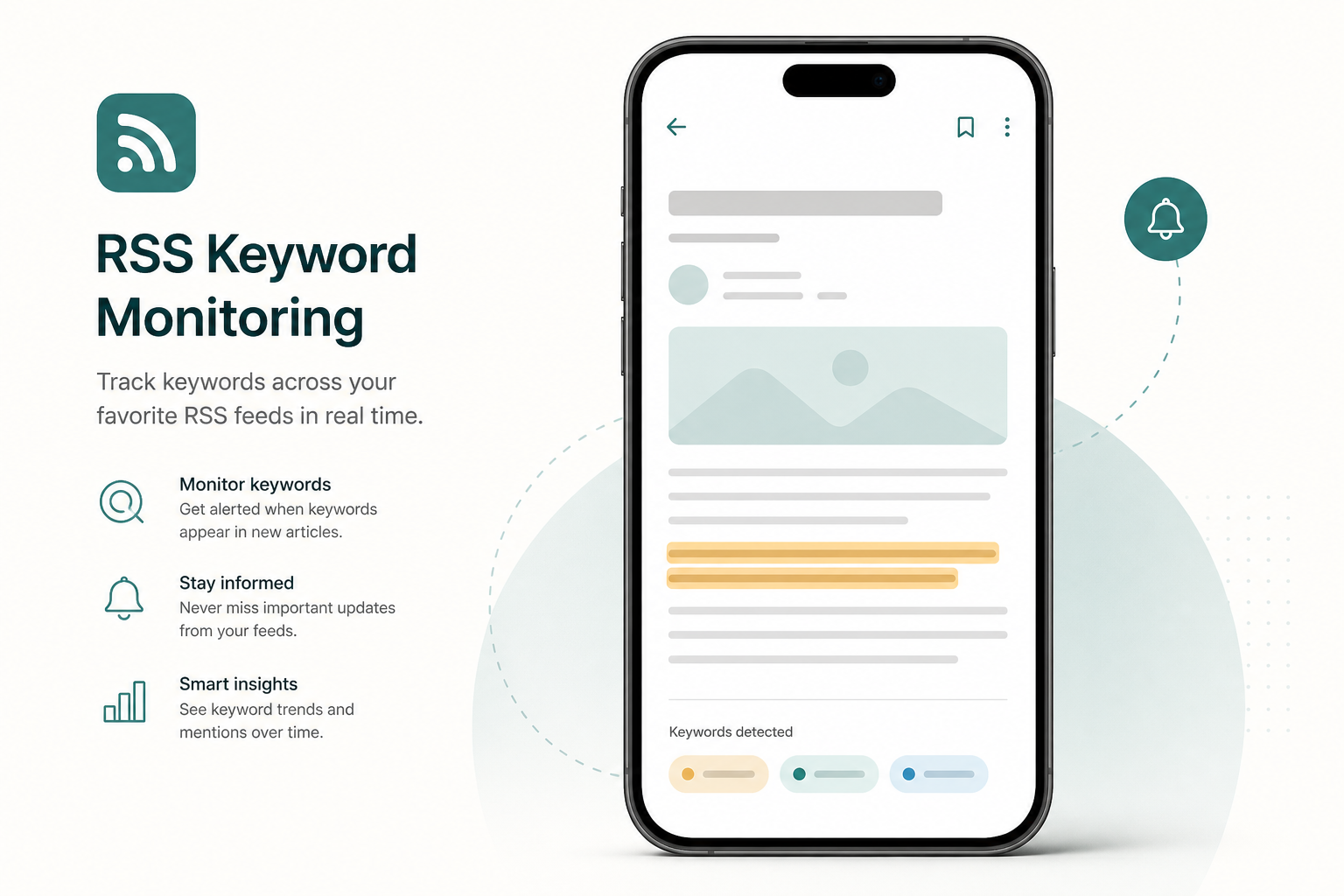
If you follow news, research, or niche blogs through RSS, you already know the problem: the stream never stops. KeyFeed: RSS Keyword Radar is built for a different goal—helping you notice the few items that match the topics you care about, without turning your phone into another unread inbox.
What this site is for
This website is the home for KeyFeed: RSS Keyword Radar. Here you can learn how the app works, browse screenshots, read the FAQ, and download KeyFeed for iPhone and iPad from the App Store.
We also publish short guides on the KeyFeed blog and maintain the official Privacy Policy and Terms of Service referenced inside the app.
Why KeyFeed feels different
Most feed tools assume you want to process everything. KeyFeed watches the RSS and Atom sources you trust and creates a match only when your keyword rules hit. Each match includes the surrounding sentence and highlighted terms, so you can decide whether an article is worth opening before you leave the timeline.
KeyFeed deliberately avoids unread counters and app-icon badges. Alerts are local notifications sent only after a real match—not a constant reminder that the stream is growing.
Local-first by design
Your feeds, rules, and match history stay on your device by default. KeyFeed refreshes when you open the app and whenever iOS grants background refresh time. There is no KeyFeed account to create, and nothing to sync just to start monitoring a topic.
If you upgrade to KeyFeed Pro, you can import OPML, create advanced Boolean or regex rules, save offline snapshots, back up your setup, and optionally send matches to a private webhook you control.
Who KeyFeed is for
KeyFeed is a strong fit if you:
- Follow several RSS sources but only care about specific companies, products, or themes
- Want keyword alerts with context instead of a flood of headline notifications
- Prefer local storage and quiet notifications over another cloud inbox
It is not trying to replace a full read-it-later workflow or social timeline. KeyFeed is a keyword radar layered on top of feeds you already chose.
Start here
- Read the homepage guide to add feeds and write your first rules.
- Review the Privacy Policy to see how on-device storage and optional webhooks work.
- Download KeyFeed on the App Store and start with three feeds and two simple keyword rules for free.
When you are ready for more feeds, advanced rules, widgets, and backups, KeyFeed Pro is a one-time lifetime unlock—no subscription required.